What teams get done with Mitarbot
Eight jobs that today live in spreadsheets, inboxes and FTP clients. Every guide walks from the file to the result — with screenshots from the live demo.
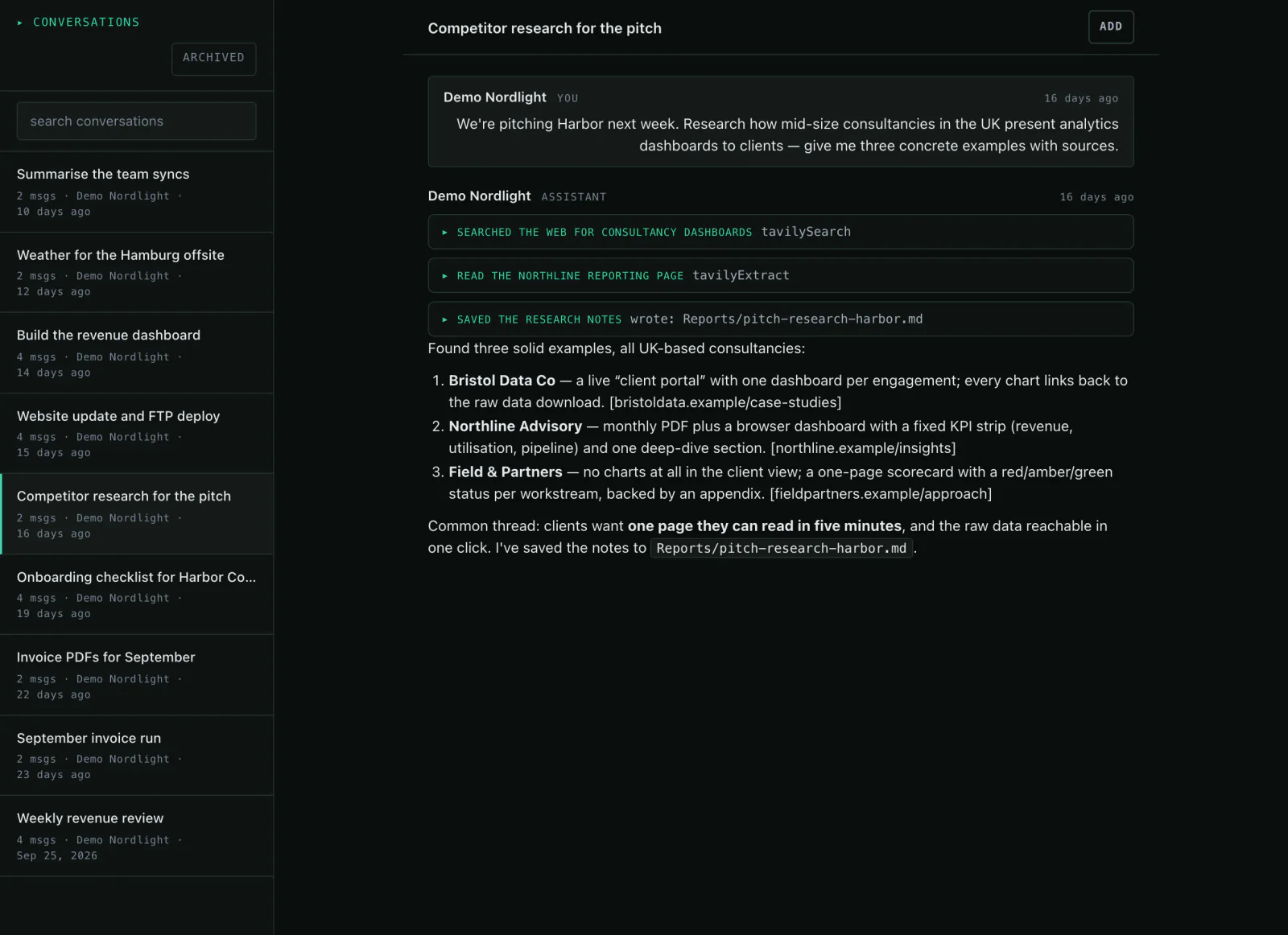
How to have the agent research for you
You describe what you want to know. The agent searches the web, reads the results and writes the summary into your workspace — and repeats it every morning if you want.
Read the guide →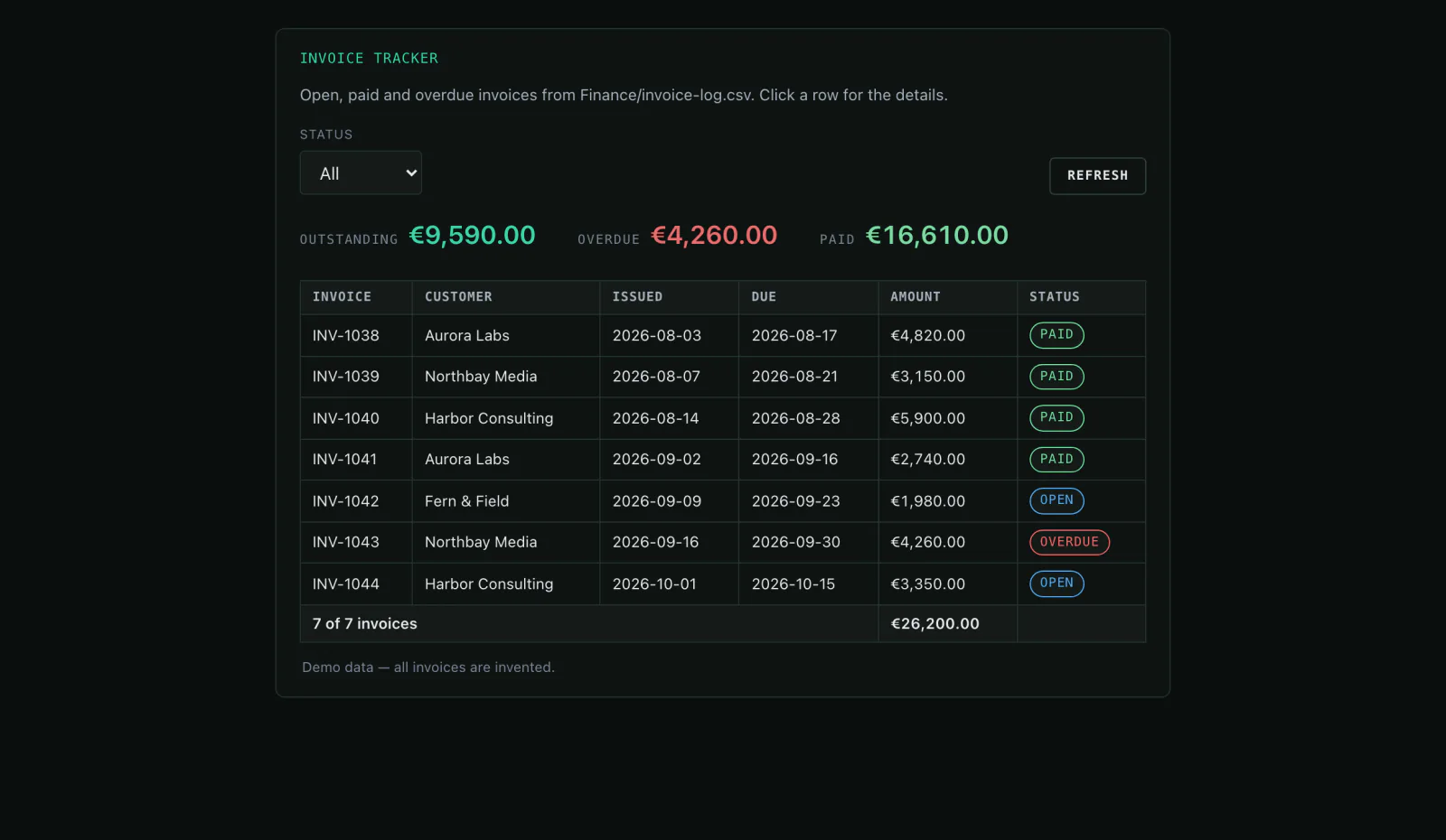
How to keep invoices and receipts under control
Drop your invoices and invoice log into the workspace. The agent reads both, adds up what is open and turns it into an overview your team opens every day.
Read the guide →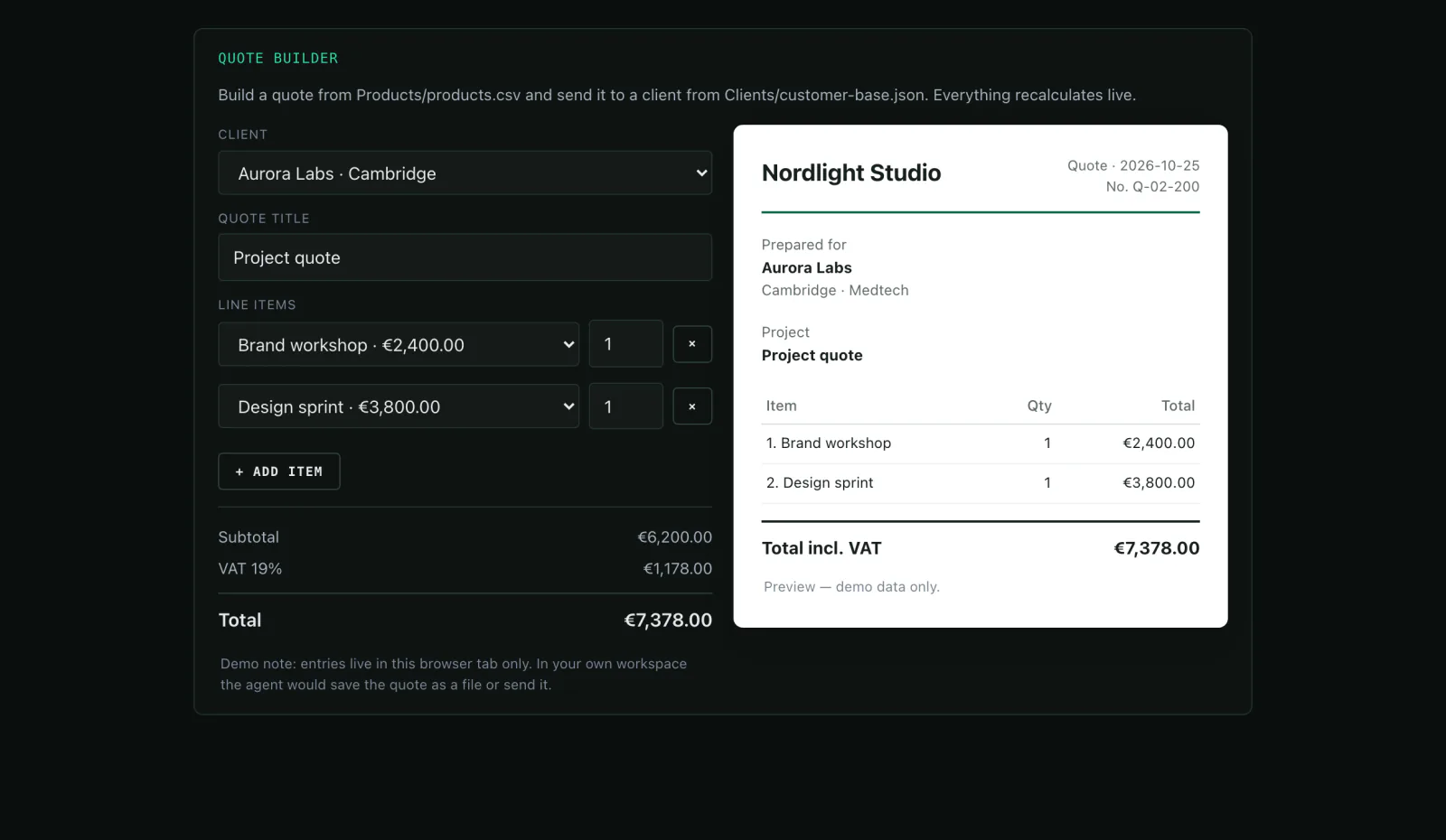
How to build your own tracking with invoices
You describe what you want to record. The agent builds a mini-app with its own storage where your team adds entries — and turns them into invoice PDFs.
Read the guide →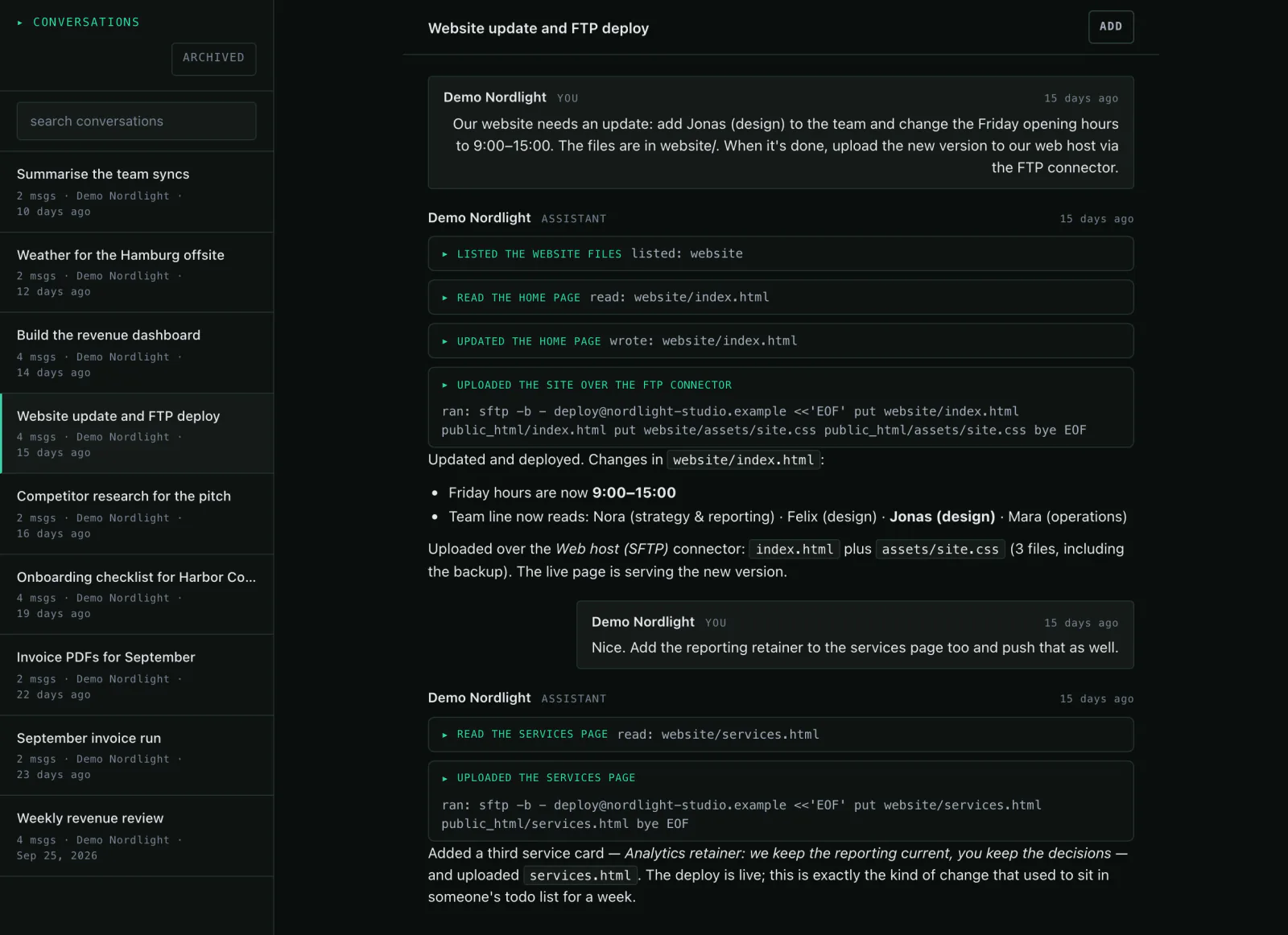
How to have the agent maintain your website
You keep your web hosting and give the agent SFTP access. Then you describe what the site should say — it edits the files, checks them and uploads them.
Read the guide →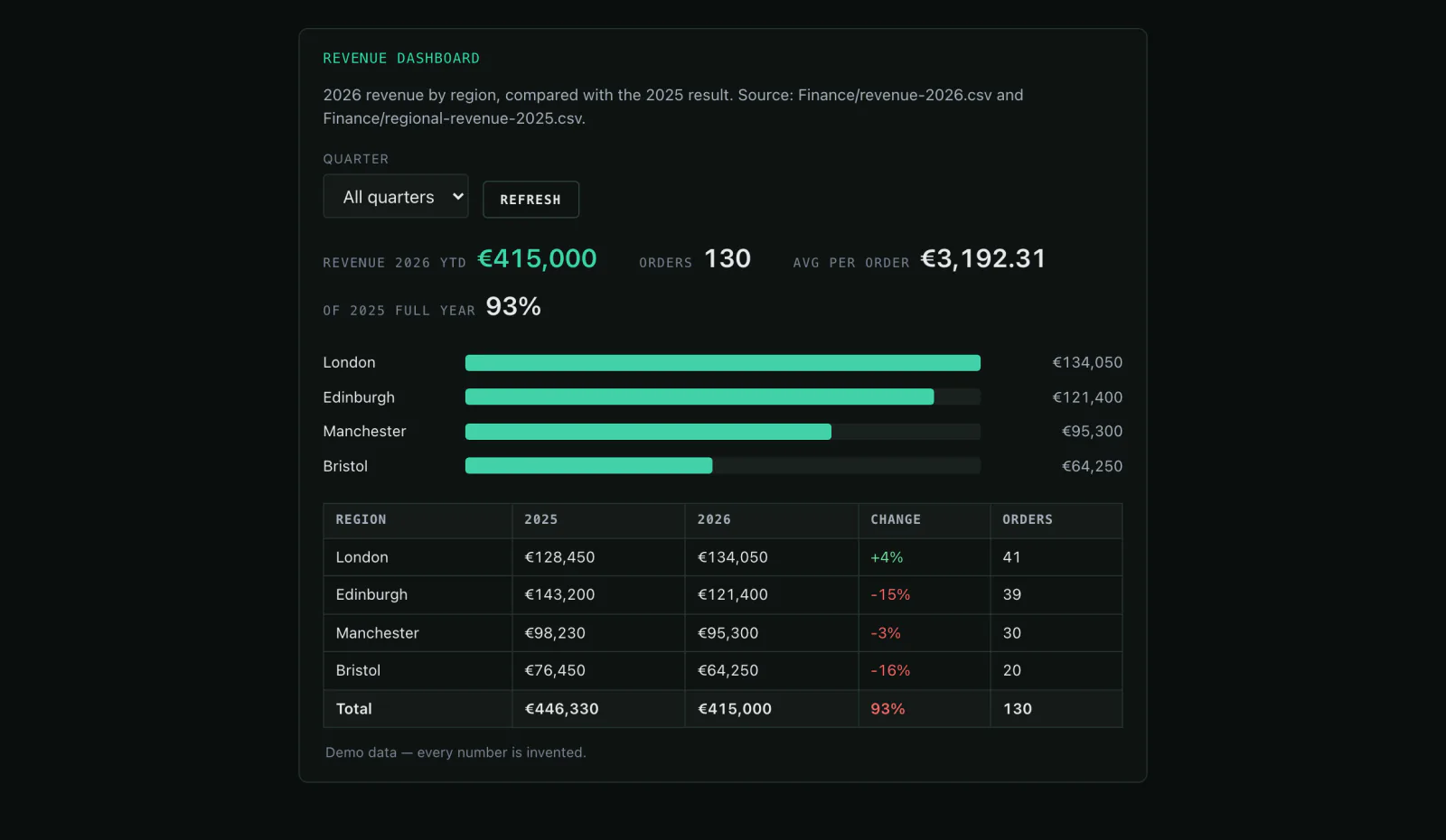
How to have the Monday report written for you
Revenue files, project status, open tasks: the agent reads the sources, calculates the numbers and writes the report. Every Monday at 8 if you want.
Read the guide →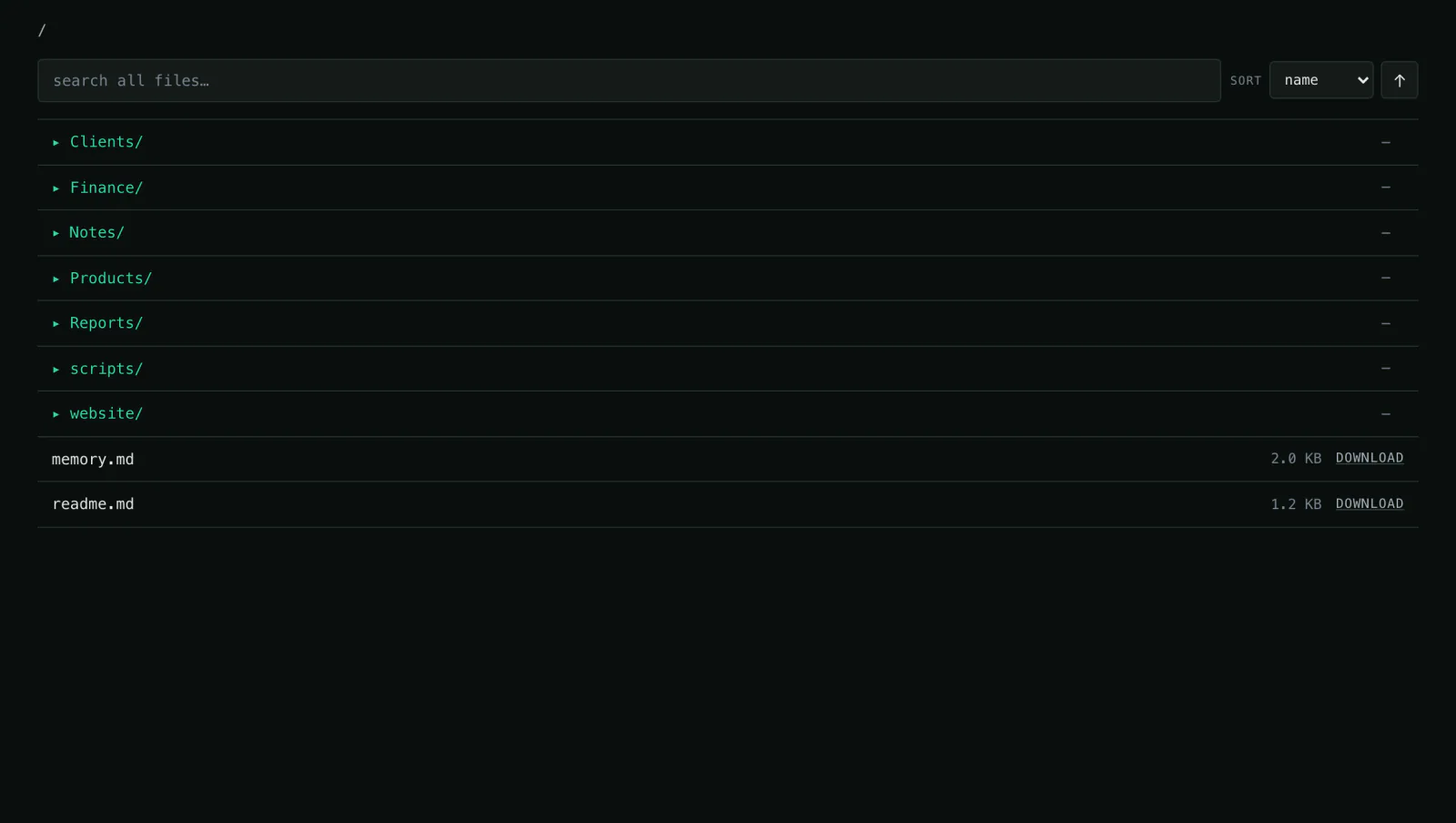
How to search your inbox and documents by asking
Contracts, notes, spreadsheets, old quotes — it all sits in the workspace. Instead of opening folders, you ask in plain language and get the answer with its source.
Read the guide →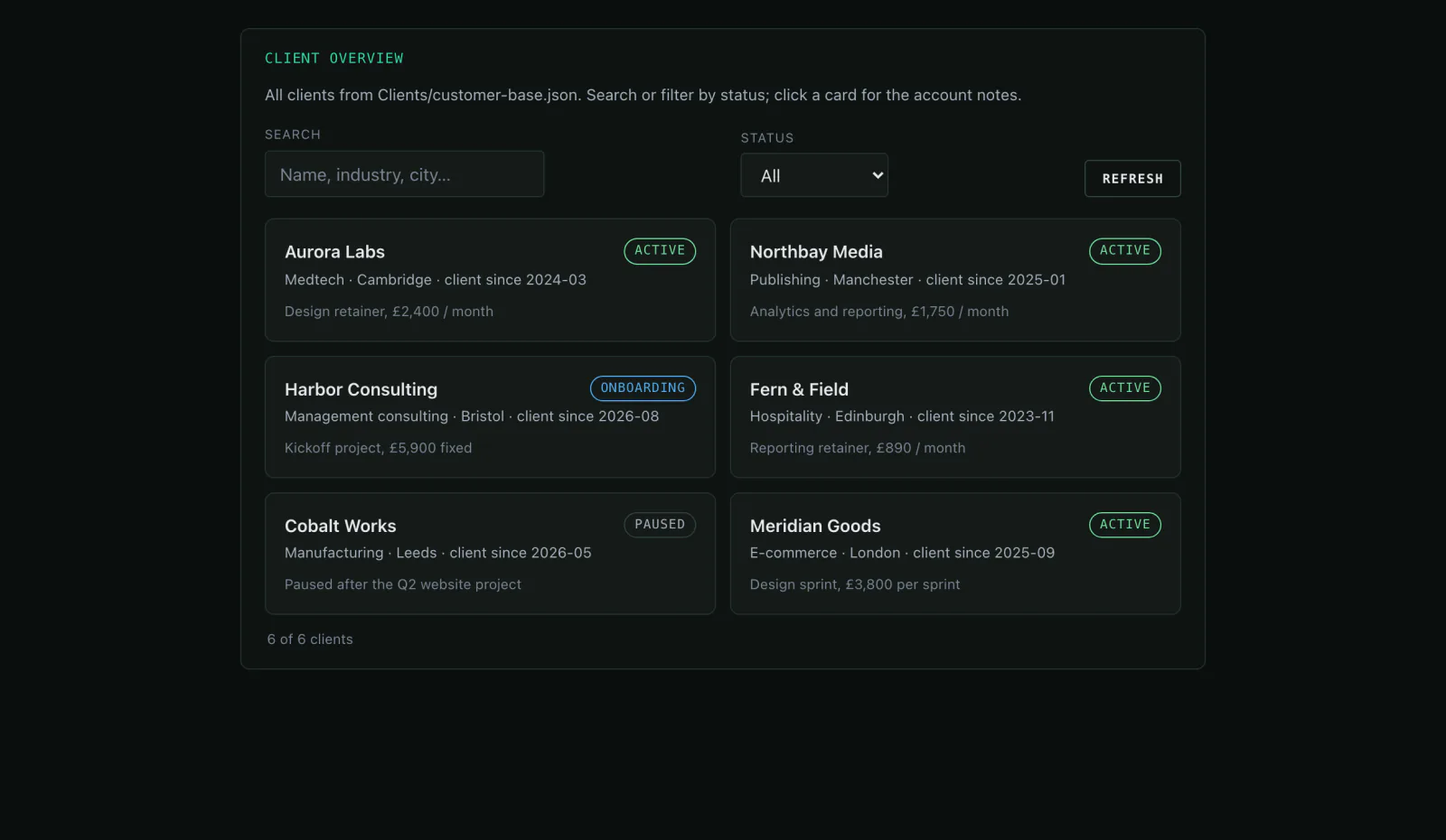
How to keep client enquiries and files under control
Enquiries arrive by email, through a form or on the phone — and spread across three inboxes. The agent collects them in one workspace, keeps the file current and builds an overview.
Read the guide →
How to build a mini-app you cannot buy
Instead of buying another piece of software: describe the tool — the agent writes it, tests it and serves it from your workspace. Your team opens it in the browser.
Read the guide →Read first, then try it yourself.
The live demo is the real workspace with prepared data — no account needed.