How to search your inbox and documents by asking
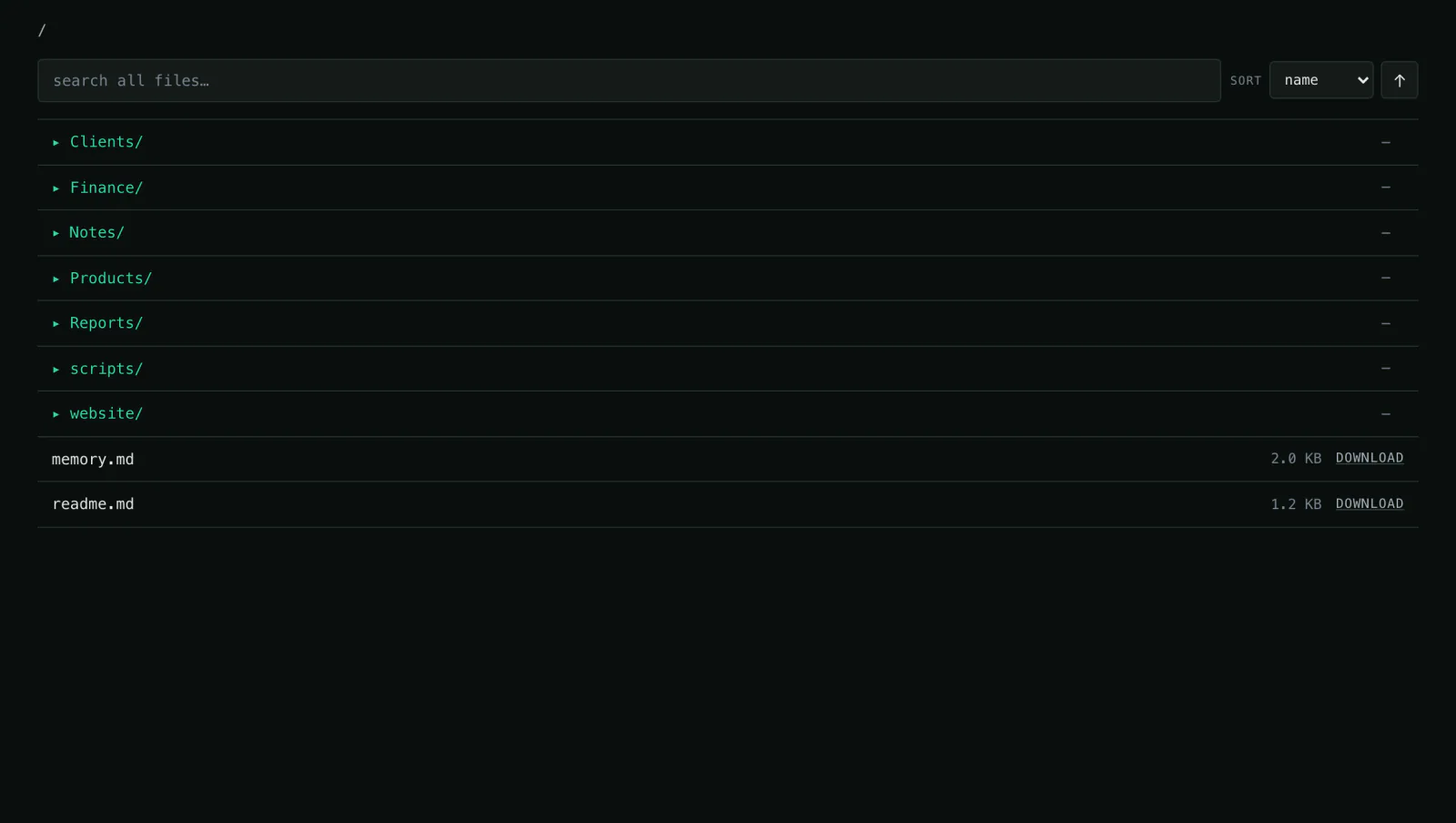
Contracts, notes, spreadsheets, old quotes — it all sits in the workspace. Instead of opening folders, you ask in plain language and get the answer with its source.
What you need
- Your files — PDF, Office, CSV, text, images
- Optionally Google Drive as a connection
- Optionally an inbox via IMAP
Step by step
- 01
Put the documents in
Drag and drop, up to 200 MB per file. Or connect Google Drive if the files should stay there — the agent reads them from there.
Say it like thisHere are the contracts and notes. File them under clients/ and contracts/.
- 02
Ask the question like you would a colleague
No keywords, no folder structure: just the question you have.
Say it like thisWhat did we agree with Aurora Labs in Q3?
- 03
Check the source
Every answer names the file and the passage. You can read it yourself instead of trusting it — and you notice immediately when a document is missing.
Say it like thisShow me the passage in the contract, not just the summary.
- 04
Put the result to use
Instead of copying the answer, the agent writes it into a file or straight into an email.
Say it like thisWrite the answer as a short note to clients/aurora-agreement.md.
Variations
- Where is the notice period in the Aurora Labs contract?Quote, section and file path.
- Summarise this week's meeting notes.One page with decisions and open points.
- Which quotes are older than a year?A list with date and client.
What it is not
It answers from the files in the workspace. If something is missing, it cannot know it — and it says so instead of guessing.
Common questions
Are my documents sent to the US?
No. Processing runs in the EU; the details are on the privacy page.
How large can files be?
Up to 200 MB per file and 10 GB per workspace.
Can I delete files again?
Yes, individually or with the whole workspace — including the backups.
Might also fit
The answer is already in your files.
See how the demo workspace answers questions about a contract, a note or a number.