How to build your own tracking with invoices
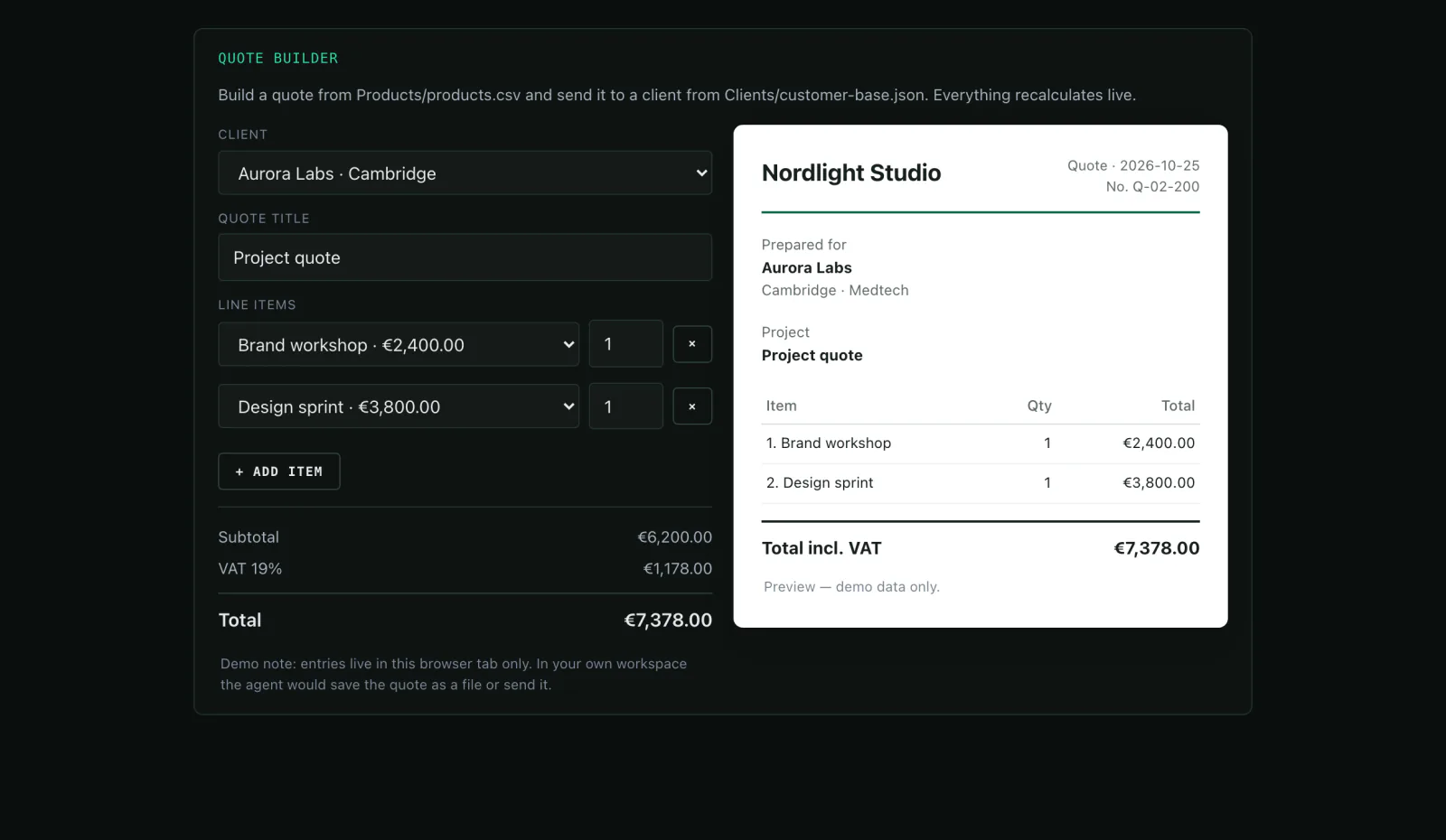
You describe what you want to record. The agent builds a mini-app with its own storage where your team adds entries — and turns them into invoice PDFs.
What you need
- The fields you want to record (e.g. date, client, service, quantity, price, status)
- Optionally logo, address and tax number for the invoice
- Nothing else — no spreadsheet tool, no database, no subscription
Step by step
- 01
Describe the app
Fields, filters, totals — in your words. The agent decides how to implement it and asks when something is missing.
Say it like thisBuild me a mini-app where I record jobs: date, client, service, quantity, price, status. With a list, totals and a status filter.
- 02
The agent builds app and storage
The app reads and writes a file in the workspace (for example tracking/jobs.json). You can export it, back it up and read it with other tools — no database server, no migration.
Say it like thisStore the entries in tracking/jobs.json so nothing gets lost.
- 03
Invoice as a PDF
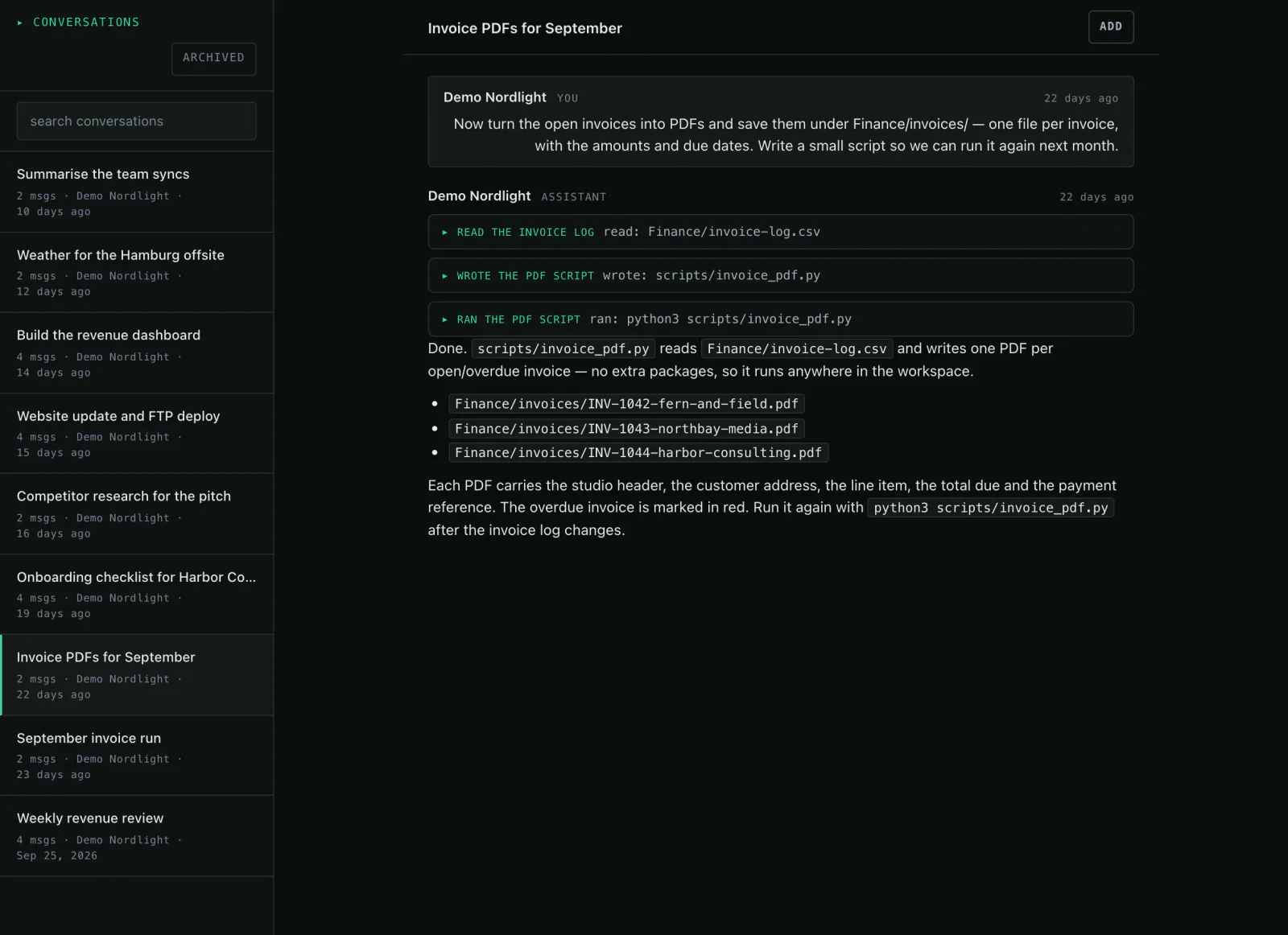
An entry becomes a document: the agent writes a small program that produces the PDFs and leaves them in the workspace. Logo and tax number come from your files.
Say it like thisCreate an invoice PDF from job 12, with logo and tax number.
- 04
Get the numbers out
The same data answers the questions you would normally need a spreadsheet for.
Say it like thisShow me open jobs and revenue per month.
Variations
- Add a “payment terms” field.A new version of the app; the old one stays.
- Create all open invoices for September.One PDF per job, neatly named.
- Export the jobs as CSV.A file in the workspace you can hand over.
What it is not
Storage here means a file, not a database server. It is built for a few hundred entries, not hundreds of thousands. And it does not replace accounting.
Common questions
Do I lose data when the app is rebuilt?
No. The data lives in its own file and the app reads it again the next time it opens.
Can I reuse the data elsewhere?
Yes, as JSON or CSV in the workspace — or via the app's export.
Who can use the app?
Your team in the workspace. For outsiders you create a share link.
Might also fit
Your process, your fields, your invoice.
The live demo shows two mini-apps that came out of one chat.