How to keep client enquiries and files under control
Enquiries arrive by email, through a form or on the phone — and spread across three inboxes. The agent collects them in one workspace, keeps the file current and builds an overview.
What you need
- Your client list as CSV, JSON or spreadsheet
- Optionally the inbox via IMAP
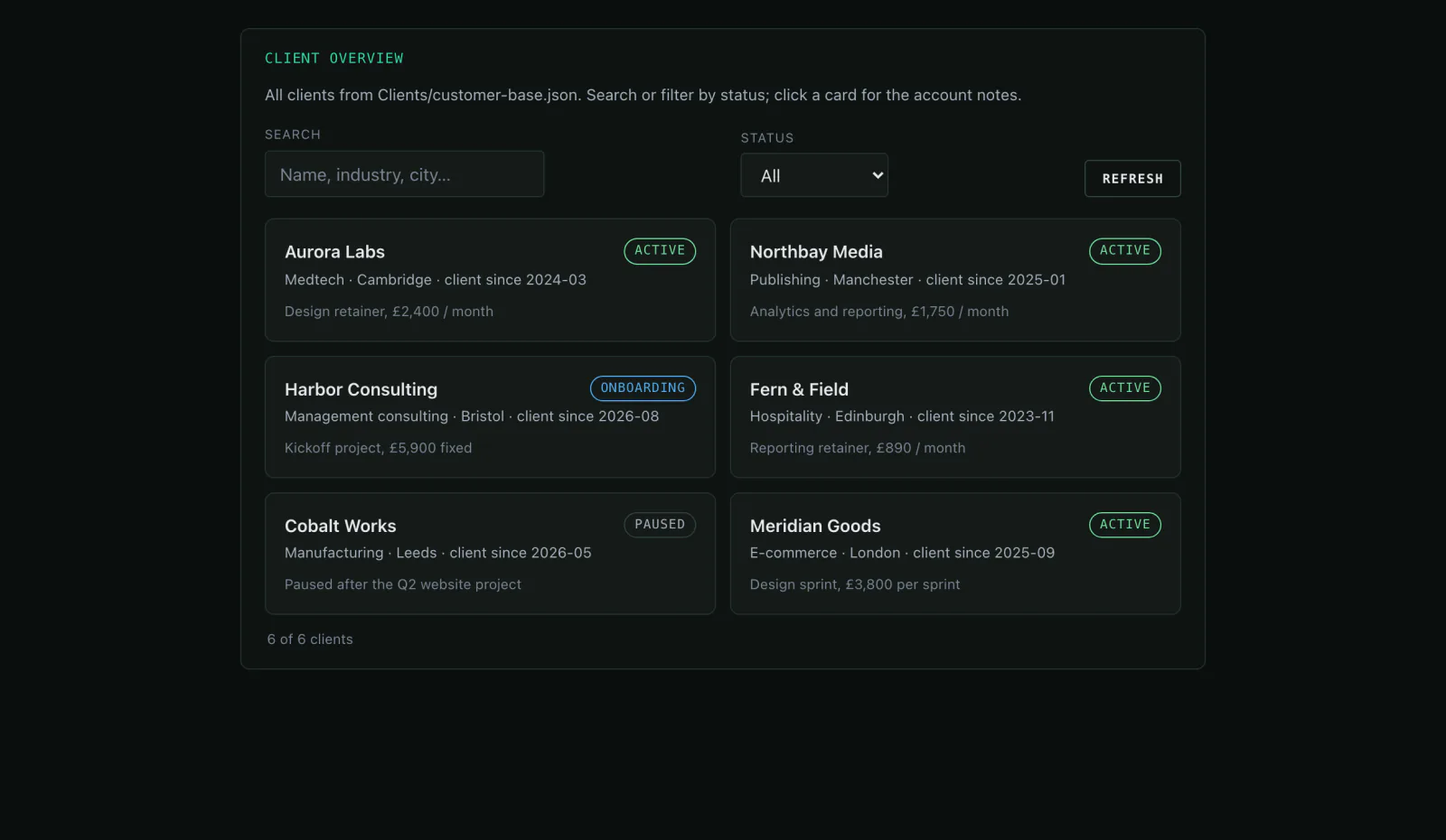
- Optionally a client overview as a mini-app
Step by step
- 01
Connect the inbox
Over IMAP the agent reads new messages — only the account you connect. Credentials stay in the isolated gateway, not in the chat.
Say it like thisConnect our info inbox over IMAP and read only the “Enquiries” folder.
- 02
Have enquiries summarised
Instead of reading mail threads: contact, request, next step — straight into the client file as a note if you want.
Say it like thisSummarise the Hafen Beratung enquiry and file it under clients/notes/.
- 03
Build the client overview
Your client list becomes a searchable mini-app with status, industry and notes — in the browser, not in a spreadsheet.
Say it like thisBuild a client overview from clients.json, with search and a detail view.
- 04
Find out who needs a follow-up
The agent compares last contact and open items — and you get a list instead of a bad feeling.
Say it like thisWhich clients have not heard from us in 30 days and still have an open item?
Variations
- Summarise the new enquiry.Contact, request, next step.
- Build the client overview as a mini-app.Cards with search, status and detail view.
- Write a reply to the enquiry.A draft in the workspace, sendable from your inbox.
What it is not
Not a full CRM: no pipelines, no forecasting, no automatic drip campaigns. For teams that need enquiries and client files in one place, it is enough.
Common questions
Does the agent read my whole inbox?
Only what you connect. Credentials are held in an isolated gateway; the agent never sees them.
Can I share the overview?
Yes, via a share link — including with people who have no Mitarbot account.
What happens to the emails?
They stay in your inbox. Only what you or the agent file away moves into the workspace.
Might also fit
All enquiries in one place instead of three inboxes.
The live demo shows the client overview with prepared data — no account needed.