How to have the agent research for you
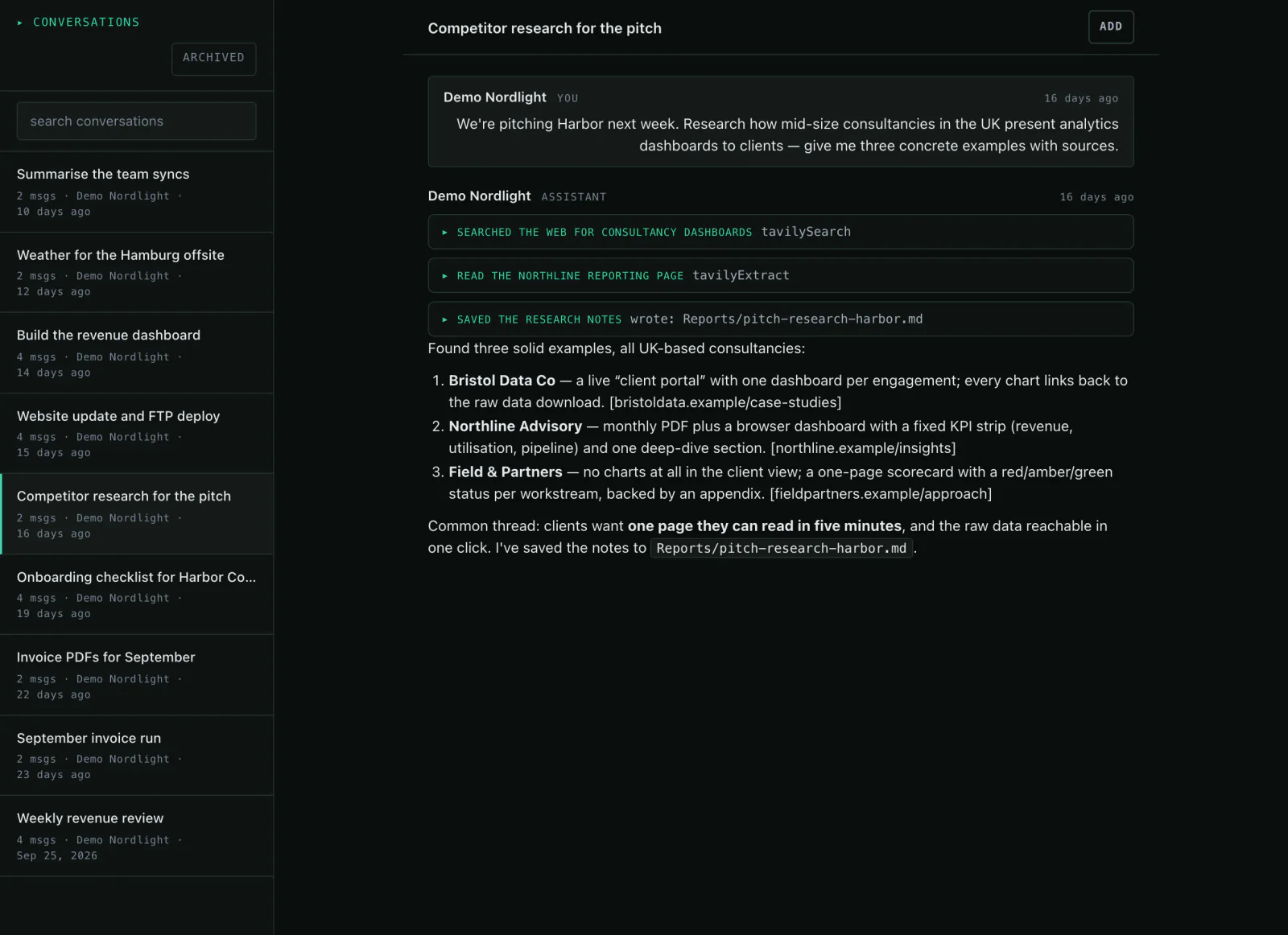
You describe what you want to know. The agent searches the web, reads the results and writes the summary into your workspace — and repeats it every morning if you want.
What you need
- A topic you want to keep an eye on
- Optionally sources or search terms it should use
- Optionally an email alert to your team
Step by step
- 01
Say what to look for
One sentence is enough. The agent searches the web, reads the results and summarises them — with sources so you can check.
Say it like thisResearch everything our three competitors announced this week and summarise it in five points.
- 02
Keep the result in the workspace
Instead of scrolling away in the chat, it writes the research to a file. Next run it reads that file again — a history instead of a lost conversation.
Say it like thisWrite the research to reports/research-week.md, with source links.
- 03
Turn it into a schedule
“Every Monday at 7” — the run starts the workspace itself, nothing has to stay open. The result lands as a conversation in the chat.
Say it like thisRun this research every Monday at 7.
- 04
Say how you want to hear about it
Tell it to notify you: you get an alert in the app and, if you want, an email to every member of your workspace.
Say it like thisNotify me with the three most important points when the run is done.

Variations
- Compare the prices of the three vendors from the last report.A table with changes and sources.
- Only trade press, no blogs.A narrower selection, properly cited.
- What changed since the last run?A short diff against the previous report.
What it is not
Web search sends only your query outside; your files stay in the workspace. And the agent does not replace market research: it reads what is public and names the source — checking stays with you.
Common questions
Can it read pages behind a login?
No. Public pages yes, content behind a sign-in no.
Do I get an email for every run?
Only if you ask. By default the result lands in the chat and the notification list.
What if the search finds nothing?
It writes that into the report instead of inventing something. Failed runs show up as errors with a cause.
Might also fit
Describe it once, then the research runs.
In the live demo you can look at the research chat and the schedule.